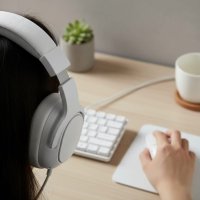
As a seasoned audiophile and gamer with over a decade in the trenches, I’ve seen countless peripherals come and go, but the USB gaming headset remains a cornerstone of any serious setup. If you’re chasing that elusive edge in competitive play or simply want to lose yourself in truly immersive worlds, understanding the nuances of these digital powerhouses is crucial. Forget muffled footsteps or tinny comms; a quality USB gaming headset brings clarity, depth, and control directly to your ears, transforming your gaming experience from mundane to magnificent. Here at Efuks.com, we’re dedicated to guiding you through this sonic landscape, ensuring you make an informed choice that elevates your gameplay.
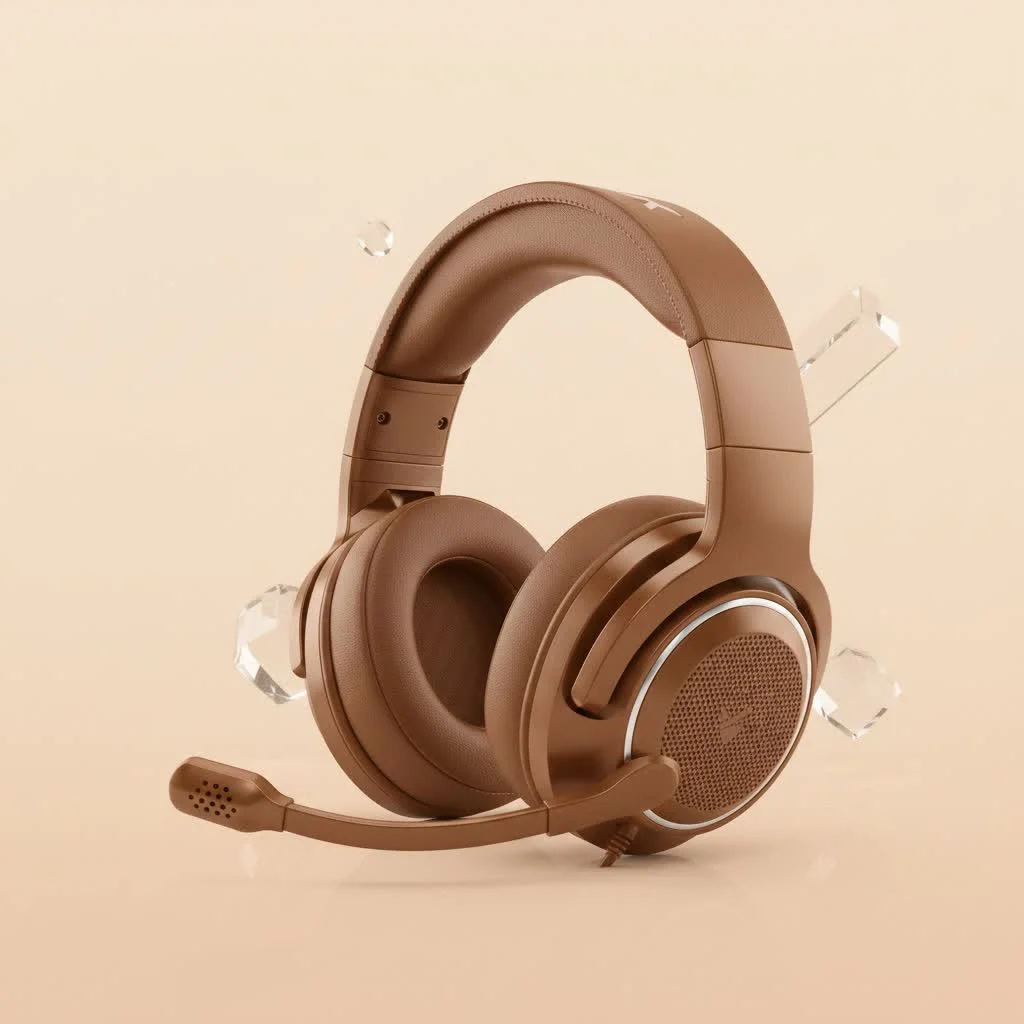
Why a USB Gaming Headset Should Be Your Next Upgrade
So, what’s the big deal about USB connectivity? Simply put, a USB connection provides a digital audio signal directly from your PC or console to your headset. This is a game-changer compared to the traditional analog 3.5mm jack. While analog signals can be susceptible to interference and rely heavily on your device’s internal sound card, a USB gaming headset often features its own integrated Digital-to-Analog Converter (DAC) and amplifier. For see our reviews recommendations on this site.
This dedicated audio hardware means your headset bypasses the potentially mediocre sound processing of your motherboard or controller. The result? Superior sound clarity, reduced noise interference, and consistent performance across different systems. It’s like having a mini, high-fidelity sound system built right into your headset, delivering crisp highs, punchy mids, and deep, resonant bass exactly as the game developers intended. This digital pipeline also unlocks advanced features like virtual surround sound, custom equalization (EQ) profiles, and enhanced microphone processing, all managed through dedicated software.
Wired vs. Wireless USB Gaming Headsets: Finding Your Perfect Match
The world of USB gaming headset options broadly splits into two camps: wired and wireless. Both offer distinct advantages, and your choice often comes down to personal preference and gaming style.
Wired USB Headsets: Reliability & Purity
Wired USB gaming headsets are the workhorses of the audio world. They plug directly into a USB-A or USB-C port, providing a rock-solid, uninterrupted connection. The main draw here is zero latency – every sound is delivered instantaneously, which is critical in fast-paced competitive titles where milliseconds can determine victory or defeat.
Moreover, wired headsets never run out of battery, making them ideal for marathon gaming sessions. They often offer exceptional audio quality for their price point, as manufacturing costs aren’t allocated to batteries and wireless transceivers. While cable management can sometimes be a minor inconvenience, the sheer reliability and consistent performance of a good wired USB headset are hard to beat.
Wireless USB Headsets: Freedom to Roam
|
Our Picks for the Best Gaming Headset in 2026
As an Amazon Associate I earn from qualifying purchases.
|
||
| Num | Product | Action |
|---|---|---|
| 1 | Gtheos 2.4GHz Wireless Gaming Headset for PS5, PS4 Fortnite & FPS Gamers, PC, Nintendo Switch, Bluetooth 5.3 Gaming Headphones with Noise Canceling Mic, Stereo Sound, 40+Hr Battery (Pink) |

|
| 2 | Gtheos 2.4GHz Wireless Gaming Headset for PS5, PS4 Fortnite & Call of Duty/FPS Gamers, PC, Nintendo Switch, Bluetooth 5.3 Gaming Headphones with Mic, Stereo Sound, Red Light -BlackRed |
|
| 3 | Gtheos 2.4GHz Wireless Gaming Headset for PS5, PS4 Fortnite & Call of Duty/FPS Gamers, PC, Nintendo Switch, Bluetooth 5.3 Gaming Headphones with Noise Canceling Mic, Stereo Sound, 40+Hr Battery -White |
|
| 4 | Gtheos 2.4GHz Wireless Gaming Headset for PS5, PS4 Fortnite & Call of Duty/FPS Gamers, PC, Nintendo Switch, Bluetooth 5.3 Gaming Headphones with Microphone for Mobile, Stereo Sound (Blush Pink) |
|
| 5 | Gtheos 2.4GHz Wireless Gaming Headphones for PS5, PS4 Fortnite & Call of Duty/FPS Gamers, PC, Nintendo Switch, Bluetooth 5.3 Gaming Headset with Noise Canceling Mic, Stereo Sound, 40+Hr Battery -Black |
|
| 6 | Razer BlackShark V2 X Gaming Headset: 7.1 Surround Sound - 50mm Drivers - Memory Foam Cushion - For PC, PS4, PS5, Switch - 3.5mm Audio Jack - Black |
|
| 7 | Gtheos 2.4GHz Wireless Gaming Headset for PS5, PS4 Fortnite & Call of Duty/FPS Gamers, PC, Nintendo Switch, Bluetooth 5.3 Gaming Headphones with Microphone for Computer, Mobile, Stereo Sound (Camo) |
|
| 8 | Razer BlackShark V2 X Gaming Headset: 7.1 Surround Sound - 50mm Drivers - Memory Foam Cushion - for PC, PS4, PS5, Switch - 3.5mm Audio Jack - Green |
|
| 9 | Razer BlackShark V2 X PlayStation Gaming Headset: 50mm Drivers - Cardioid Mic - Lightweight - Comfortable Noise Isolating Earcups - for PS5, Xbox Series X, PC, Switch via 3.5 mm Jack - Quartz Pink |
|
| 10 | Razer BlackShark V2 X PlayStation Gaming Headset: 50mm Drivers - Cardioid Mic - Lightweight - Comfortable, Noise Isolating Earcups - for PS5, Xbox Series X, PC, Switch via 3.5 mm Audio Jack - White |
|
For those who value freedom of movement above all else, a wireless USB gaming headset is the answer. These typically connect via a small 2.4GHz USB dongle, offering a dedicated, low-latency connection that’s far superior to standard Bluetooth for gaming. You can lean back, grab a snack, or even step away from your desk for a moment without missing a beat of the action or a word from your teammates.
Modern wireless USB headsets boast impressive battery life, often lasting for 20-30 hours or more on a single charge. However, remembering to charge them is key, and they usually come with a higher price tag due to the added technology. While 2.4GHz wireless is highly reliable, in extremely crowded wireless environments, very occasional minor interference could occur, though this is rare with quality products.
Key Features to Consider in Your Next USB Gaming Headset
Choosing the right USB gaming headset involves more than just picking wired or wireless. It’s about understanding the symphony of features that come together to create your perfect audio companion.
Sound Quality: Hearing Every Footstep
At its core, a gaming headset is about sound. Look for models with large, high-quality drivers (typically 50mm) for a fuller, richer sound profile. Pay attention to the frequency response – a wider range (e.g., 20Hz-20kHz) generally means the headset can reproduce a broader spectrum of sounds, from rumbling explosions to crisp gunshots.
Critical for competitive gaming is soundstage (how wide and open the sound feels) and imaging (how accurately you can pinpoint the direction of sounds). Many USB gaming headsets excel here, offering virtual surround sound technologies like DTS Headphone:X or Dolby Atmos, which create an immersive 3D audio experience, letting you hear exactly where that enemy is lurking.
Microphone Quality: Crystal-Clear Communication
Communication is king in team-based games, and your microphone is your voice. A good USB gaming headset will feature a clear, broadcast-quality microphone, often with built-in noise cancellation to filter out background distractions like keyboard clatter or barking dogs. Features like “flip-to-mute” or a dedicated mute button are incredibly convenient. Some premium models even offer detachable microphones, allowing you to use the headset purely for audio when not gaming.
Comfort & Build: Marathon Gaming Sessions
You’ll be wearing this headset for hours, so comfort is paramount. Consider the earcup material (breathable fabric for long sessions, leatherette for better sound isolation), the clamping force (not too tight, not too loose), and the headband design (suspension bands or ample padding). A lighter headset often translates to less fatigue. Durability is also key; look for robust materials like steel or aluminum in the frame, and flexible, braided cables for wired models.
Software & Customization: Tweak Your Audio
One of the standout advantages of a USB gaming headset is the accompanying software suite. This often allows for extensive customization, including:
- Equalizer (EQ): Fine-tune bass, mids, and treble to your preference or for specific game genres.
- Audio Profiles: Save settings for different games (e.g., footsteps boost for FPS, cinematic bass for RPGs).
- Microphone Monitoring (Sidetone): Hear your own voice to prevent shouting.
- RGB Lighting Control: Personalize the look of your headset.
“The power of a USB headset truly shines in its software,” notes Dr. Aurelius ‘Sonic’ Vance, a renowned audio engineer. “Being able to craft precise audio profiles for every game gives you an unparalleled competitive edge and immersive experience.”
Connectivity & Compatibility: Plug and Play Across Platforms
Most USB gaming headsets connect via a standard USB-A port, common on PCs and older consoles. However, USB-C is becoming increasingly prevalent, offering reversible connectors and higher power delivery. Many modern headsets include both a USB-A dongle/cable and a USB-C adapter or connection option for wider compatibility.
While primarily designed for PC, many USB gaming headsets offer excellent cross-platform compatibility with consoles like PlayStation (PS4, PS5) and even the Nintendo Switch (when docked). Always check the product specifications for specific platform support.
Top USB Gaming Headsets on the Market Today (Efuks Picks & Industry Leaders)
When it comes to the best USB gaming headset options, several brands consistently stand out for their innovation and quality. For competitive players, models that prioritize pinpoint positional audio and crystal-clear comms are often top picks, offering features like advanced virtual surround sound and highly sensitive microphones. Many acclaimed headsets deliver on these fronts, providing an experience where every distant reload and subtle enemy movement is distinct.
If immersion is your goal, look for headsets with larger drivers and rich, balanced sound profiles, perfect for bringing expansive open worlds to life. Brands like Razer, Logitech, and SteelSeries are household names in this space, constantly pushing boundaries with their proprietary technologies and ergonomic designs. Here at Efuks.com, we deep dive into specific models, evaluating everything from ear cup pressure to software integration, helping you find the perfect fit for your gaming habits and budget. We scrutinize the build quality, test microphone performance in various environments, and put the audio through its paces with a wide range of games to give you the most honest and in-depth reviews.
How to Get the Most Out of Your USB Gaming Headset
Simply plugging in your new USB gaming headset is just the first step. To truly unlock its potential, a little fine-tuning can go a long way.
Setup & Drivers: A Breeze to Begin
Most USB gaming headsets are truly plug-and-play. For PCs, Windows will often automatically install the necessary drivers. However, always visit the manufacturer’s website to download their dedicated software suite. This software is where you’ll access those powerful customization options for EQ, surround sound, and microphone settings. For consoles, the setup is usually even simpler: just plug in the USB dongle or cable, and you’re good to go.
EQ & Profile Customization: Tailor Your Sound
Don’t stick with the default audio! Experiment with the EQ settings. For competitive FPS games, you might want to boost the mid-range frequencies to make footsteps and distant gunshots more prominent. For immersive RPGs, a slight bass boost and wider soundstage can enhance cinematic moments. Many software suites offer pre-set profiles for different game genres, which are a great starting point. Create and save your own custom profiles, switching them on the fly to match your current game.
Maintenance Tips: Keep Your Gear Pristine
Treat your USB gaming headset well, and it will serve you for years.
- Clean Earcups Regularly: Use a damp cloth to wipe down leatherette earcups or gently remove and wash fabric ones (if detachable). This prevents oil and sweat buildup.
- Cable Care: For wired headsets, avoid wrapping the cable too tightly or bending it sharply. Use cable ties to manage excess slack.
- Battery Health (Wireless): For wireless models, avoid constantly draining the battery to 0% or leaving it plugged in 24/7 if not in use. Charge it when it’s low, and consider a full discharge/recharge cycle every few months.
USB Gaming Headset FAQs: Your Questions Answered
Are USB gaming headsets better than 3.5mm headsets?
Generally, yes. USB gaming headsets typically feature their own internal DAC and amplifier, bypassing your device’s potentially inferior onboard audio. This often results in clearer, more consistent sound, dedicated software features, and enhanced microphone processing, making them superior for gaming.
Do all USB gaming headsets offer surround sound?
Not all, but a significant number do. Many USB gaming headsets utilize virtual surround sound technologies (like 7.1 virtual surround, DTS Headphone:X, or Dolby Atmos) to create a more immersive, spatial audio experience. Always check the product specifications.
Can I use a USB gaming headset on console?
Most USB gaming headsets are compatible with modern consoles like PlayStation 4/5 and Nintendo Switch (when docked) via their USB ports. However, always verify specific compatibility with the headset’s manufacturer or product description.
What’s the best way to clean my headset?
For earcups, use a damp cloth with mild soap for leatherette, or remove and handwash fabric covers if they are detachable. For the rest of the headset, a dry microfibre cloth is usually sufficient. Avoid getting moisture into any ports or drivers.
Is USB-C better than USB-A for gaming headsets?
USB-C offers a reversible connector, making it more convenient to plug in. Electrically, both USB-A and USB-C can deliver excellent digital audio quality and power for headsets. The choice often comes down to the available ports on your devices.
The Final Word: Elevate Your Game with a USB Gaming Headset
In the dynamic world of gaming, sound is your secret weapon. A high-quality USB gaming headset isn’t just an accessory; it’s an integral part of your arsenal, offering unparalleled audio clarity, robust microphone performance, and advanced customization options that analog connections simply can’t match. Whether you’re a casual player seeking deeper immersion or a competitive warrior striving for every advantage, investing in a well-chosen USB gaming headset will undoubtedly elevate your experience. Don’t settle for less – empower your senses and dominate the game. For the most in-depth reviews and expert recommendations, make sure to visit Efuks.com, your ultimate destination for gaming audio excellence.
Get our weekly buyer guide
Practical specs, not advice. Unsubscribe anytime.