As an audiophile and a seasoned professional gamer with over a decade in the trenches, I’ve seen countless gaming headsets come and go. Many promise the moon, but few deliver a truly balanced experience for both serious gameplay and everyday life. That’s where the Logitech G433 Gaming Headset enters the arena. It’s a wired warrior designed to bridge the gap between dedicated gaming gear and a stylish, functional pair of headphones you wouldn’t mind taking out into the world. If you’re searching for a headset that offers solid audio performance, crystal-clear communication, and surprising versatility without breaking the bank, stick around. We’re about to dive deep into what makes the G433 a standout choice in a crowded market.
Why Your Gaming Headset Matters: More Than Just Sound
When it comes to gaming, your headset is more than just an accessory; it’s a critical tool. It’s your ears on the battlefield, your voice in the team huddle, and your shield against distractions. While the market offers a spectrum of wired, wireless, and true wireless options, each has its place. Wired headsets, like the Logitech G433, often shine when it comes to reliability and raw audio performance, ensuring zero latency and a consistent connection crucial for competitive play. Wireless offers freedom, but at times, compromises on audio fidelity or introduces latency. True wireless is great for mobility, but typically not robust enough for demanding gaming sessions. The G433 smartly focuses on perfecting the wired experience, giving you the best of what a direct connection has to offer.
Diving Deep into the Logitech G433: First Impressions & Design Philosophy
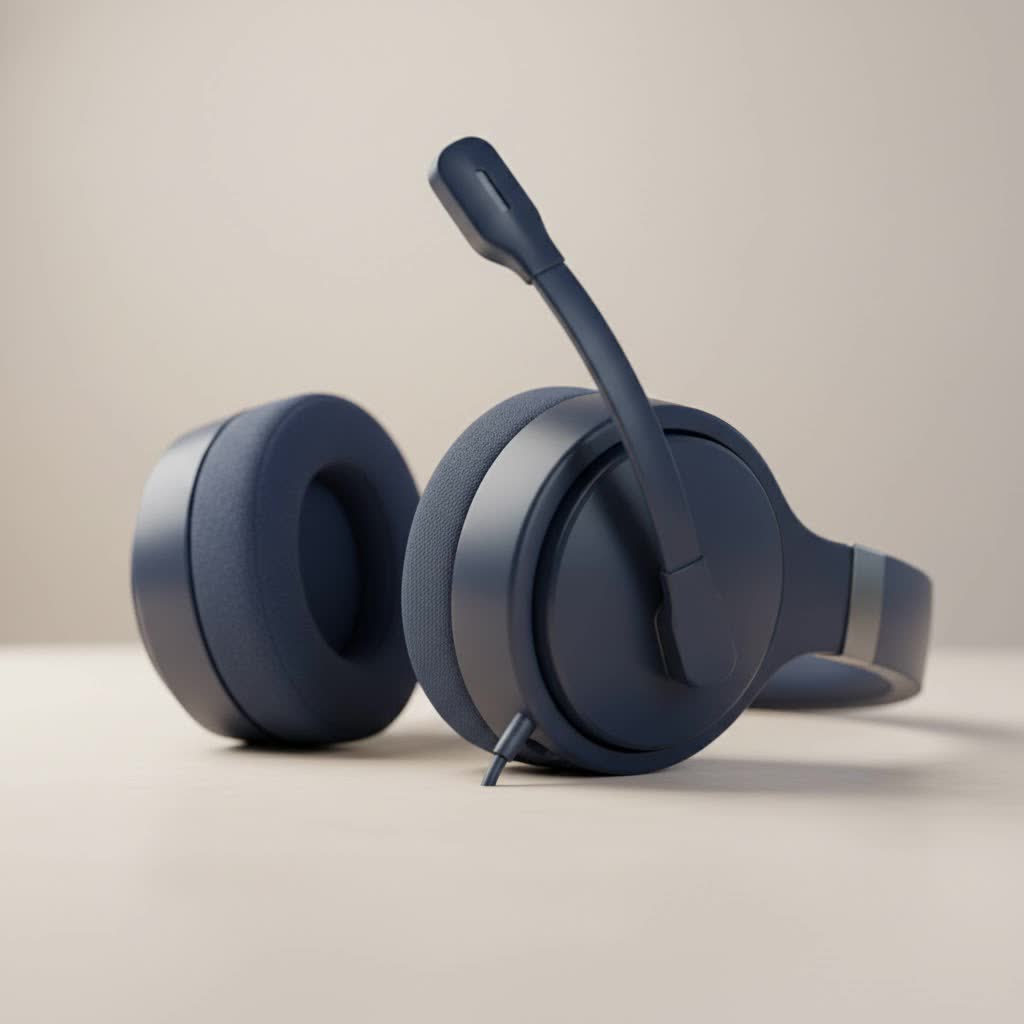
From the moment you unbox the Logitech G433 gaming headset, its design language speaks volumes. Unlike many “gamer” headsets that scream for attention with aggressive angles and blinding RGB, the G433 opts for a more subdued, sophisticated aesthetic. Its earcups are clad in a unique fabric finish, which not only looks distinctive but also boasts a hydrophobic coating, making it resistant to stains and spills – a thoughtful touch for those intense, snack-fueled gaming marathons.
This headset is remarkably lightweight, weighing in at just 259 grams. This feathery feel is a huge plus for comfort during extended gaming sessions. While the construction largely relies on a combination of glass-fiber injected polycarbonate, stainless steel, and TR-90 nylon, some might initially perceive the plastic elements as feeling less premium. However, in my extensive testing, this construction proves to be both flexible and surprisingly durable, capable of withstanding the rigors of daily use. The earcups also swivel 90 degrees, allowing them to lay flat, which is convenient for storage or resting them around your neck.
Multi-Platform Prowess: Gaming Anywhere, Anytime
|
Our Picks for the Best Gaming Headset in 2026
As an Amazon Associate I earn from qualifying purchases.
|
||
| Num | Product | Action |
|---|---|---|
| 1 | Razer BlackShark V2 X Gaming Headset: 7.1 Surround Sound - 50mm Drivers - Memory Foam Cushion - For PC, PS4, PS5, Switch - 3.5mm Audio Jack - Black |

|
| 2 | Razer BlackShark V2 X PlayStation Gaming Headset: 50mm Drivers - Cardioid Mic - Lightweight - Comfortable Noise Isolating Earcups - for PS5, Xbox Series X, PC, Switch via 3.5 mm Jack - Quartz Pink |
|
| 3 | Gtheos 2.4GHz Wireless Gaming Headset for PS5, PS4 Fortnite & Call of Duty/FPS Gamers, PC, Nintendo Switch, Bluetooth 5.3 Gaming Headphones with Microphone for Mobile, Stereo Sound (Blush Pink) |
|
| 4 | Razer BlackShark V2 X Gaming Headset: 7.1 Surround Sound - 50mm Drivers - Memory Foam Cushion - for PC, PS4, PS5, Switch - 3.5mm Audio Jack - Green |
|
| 5 | Gtheos 2.4GHz Wireless Gaming Headset for PS5, PS4 Fortnite & FPS Gamers, PC, Nintendo Switch, Bluetooth 5.3 Gaming Headphones with Noise Canceling Mic, Stereo Sound, 40+Hr Battery (Pink) |
|
| 6 | Razer BlackShark V2 X PlayStation Gaming Headset: 50mm Drivers - Cardioid Mic - Lightweight - Comfortable, Noise Isolating Earcups - for PS5, Xbox Series X, PC, Switch via 3.5 mm Audio Jack - White |
|
| 7 | Gtheos 2.4GHz Wireless Gaming Headset for PS5, PS4 Fortnite & Call of Duty/FPS Gamers, PC, Nintendo Switch, Bluetooth 5.3 Gaming Headphones with Microphone for Computer, Mobile, Stereo Sound (Camo) |
|
| 8 | Gtheos 2.4GHz Wireless Gaming Headset for PS5, PS4 Fortnite & Call of Duty/FPS Gamers, PC, Nintendo Switch, Bluetooth 5.3 Gaming Headphones with Noise Canceling Mic, Stereo Sound, 40+Hr Battery -White |
|
| 9 | Gtheos 2.4GHz Wireless Gaming Headphones for PS5, PS4 Fortnite & Call of Duty/FPS Gamers, PC, Nintendo Switch, Bluetooth 5.3 Gaming Headset with Noise Canceling Mic, Stereo Sound, 40+Hr Battery -Black |
|
| 10 | Gtheos 2.4GHz Wireless Gaming Headset for PS5, PS4 Fortnite & Call of Duty/FPS Gamers, PC, Nintendo Switch, Bluetooth 5.3 Gaming Headphones with Mic, Stereo Sound, Red Light -BlackRed |
|
One of the G433’s strongest suits is its incredible versatility. Logitech engineered this headset to be a true “jack of all trades,” compatible with virtually all your gaming devices. Whether you’re a PC master race enthusiast, a console warrior (PS4, Xbox One, Nintendo Switch), or even a mobile gamer, the G433 has you covered. It comes packed with two distinct audio cables: a longer, braided PC cable with inline volume and mute controls, and a shorter mobile cable with an inline microphone and a multifunction button. This thoughtful inclusion means you can seamlessly transition from a serious PC raid to a quick mobile gaming session, or even just listening to music on your smartphone, without needing a separate pair of headphones.
The Heart of the Audio: Sound Quality that Hits Different
Let’s get to the core of any gaming headset: the sound. The Logitech G433 utilizes Logitech’s proprietary Pro-G 40mm audio drivers. These drivers are not just marketing hype; they are designed to deliver a balanced, natural, and clear sound profile. In my experience, the G433 provides an audio landscape that’s genuinely enjoyable, whether you’re pinpointing enemy footsteps in an FPS or immersing yourself in a rich RPG soundtrack. The bass response is present and punchy, but never overwhelming or muddy, offering a crisp precision that many gaming headsets miss, focusing instead on overblown thumps. Mids are smooth, making in-game dialogue and voice chat sound natural, while highs are represented accurately without being shrill.
DTS Headphone:X 7.1 Surround Sound: A PC Advantage
For PC gamers, the Logitech G433 truly elevates the experience with its included USB Digital-to-Analog Converter (DAC), which enables DTS Headphone:X 7.1 virtual surround sound. This technology creates a truly immersive, positional audio experience that can give you a competitive edge. Hearing precisely where those enemy footsteps are coming from, or the direction of an incoming grenade, can make all the difference. The accompanying Logitech G HUB software allows you to fine-tune this surround sound, adjusting individual virtual channels to your preference and even creating per-game profiles.
It’s important to note, however, that this 7.1 surround sound capability is exclusive to PC when using the USB DAC. When connected to consoles or mobile devices via the 3.5mm analog cable, the G433 delivers excellent stereo audio. While this might be a minor drawback for console-only players hoping for virtual surround, the stereo performance itself remains strong, offering great lows and mid-range sounds that are more than respectable for the price point.
Stereo Performance & Music Listening: Beyond the Game
While primarily a gaming headset, the G433’s balanced sound profile makes it a surprisingly capable companion for music. While some audiophiles might find it “not brilliant for music” compared to dedicated audiophile headphones at higher price points, for a gaming headset, it punches above its weight. The gentle sculpting in the lows, mids, and highs provides a fun and engaging listening experience, maintaining clarity and detail across various genres. It’s not just for explosions and gunfire; it’s for your favorite playlists too.
Crystal Clear Comms: The Detachable Boom Mic
Communication is key in multiplayer gaming, and the Logitech G433 doesn’t disappoint in this department. It features a detachable boom microphone that delivers solid voice quality. The mic itself is flexible and made of a rubbery material that holds its shape well, allowing you to position it perfectly. Logitech has also integrated a micro pop filter, which effectively reduces plosives and helps with noise canceling, ensuring your teammates hear your commands, not your heavy breathing or background chatter.
The fact that the microphone is detachable further enhances the G433’s versatility, transforming it into a discrete pair of everyday headphones when you’re out and about or simply enjoying single-player content.
Long Haul Comfort: Can You Game for Hours?
Comfort is paramount for any gaming headset, especially during those marathon sessions. The Logitech G433 makes a strong play here, though with a couple of nuances. The headset is lightweight, which significantly reduces fatigue on your head and neck. It comes with two sets of ear pads: the pre-installed sports mesh fabric pads and an additional pair of softer microfiber pads.
Many users, including myself, find the stock mesh fabric ear pads to be a bit rougher initially and less comfortable than the included microfiber pads. Swapping them out for the microfiber option makes a significant difference, offering a much softer, more plush feel against the skin. While the earcups are decently sized and fit well around most ears, some might find them a little shallow, potentially causing slight irritation to the tips of the ears over prolonged periods. Additionally, the clamping force can feel a bit tight out of the box, but this typically loosens up after a week or so of use, settling into a comfortable fit.
“Comfort is often overlooked, but it’s the foundation of true immersion,” says Alex “The Sound Architect” Chen, Head of Gaming Audio Reviews at Efuks.com. “The G433, especially with its alternate ear pads, nails this balance for most gamers.”
What’s in the Box? Accessories Galore
Logitech genuinely goes above and beyond with the accessories included with the G433. It’s like opening a treasure chest for a gamer on the go. You don’t just get the headset; you receive:
- The G433 wired gaming headset itself.
- A USB DAC with 3.5mm, 4-pole output (for PC 7.1 surround sound).
- The detachable microphone boom with a micro pop filter.
- A console/PC cable with inline controls (volume dial and mute switch).
- A PC splitter for separate mic and headphone jacks (for older PC setups).
- A mobile cable with inline controls and mic.
- An additional pair of microfiber ear pads (a game-changer for comfort!).
- A headset carrying bag (for protecting your gear on the move).
This comprehensive bundle truly underscores the G433’s value proposition, providing everything you need to connect and play across virtually any platform.
Logitech G HUB: Your Command Center
For PC users, the Logitech G433 integrates seamlessly with Logitech’s G HUB software (or the older Logitech Gaming Software). This intuitive platform transforms your headset into a customizable audio powerhouse. Within G HUB, you can:
- Customize EQ Profiles: Tweak the sound signature to your exact preferences. Whether you prefer a flatter, neutral sound or a bass-boosted punch, you have full control. You can also select from preset profiles like FPS, MOBA, or Cinematic Gaming.
- Fine-Tune 7.1 Surround Sound: Adjust the volume of individual virtual channels to pinpoint audio cues with greater precision.
- Microphone Settings: Control mic input levels, enable or disable the pop filter, and adjust sidetone (hearing your own voice in the headset, which prevents you from shouting).
- Per-Game Profiles: Create custom audio and mic settings that automatically load when you launch specific games, ensuring you always have the optimal setup.
This level of software control is a significant advantage, allowing you to personalize your audio experience for every game and situation.
The G433 Against the Titans: How Does It Compare?
In the fiercely competitive $99-$100 price bracket, the Logitech G433 faces off against some formidable opponents like the HyperX Cloud II and SteelSeries Arctis 5. While each headset has its strengths, the G433 often stands out for its exceptional versatility and comprehensive accessory package.
- Versus HyperX Cloud II: The Cloud II is lauded for its comfort and robust build. The G433, with its microfiber pads, offers comparable comfort, and its sound profile with the Pro-G drivers is arguably more balanced, appealing to a broader range of audio preferences. The G433’s design is also less overtly “gaming,” making it more suitable for public use.
- Versus SteelSeries Arctis 5: The Arctis 5 brings a sleek design, retractable mic, and impressive RGB lighting. The G433 might lack the flash, but it often wins on sheer accessory value and its ability to seamlessly transition between PC, console, and mobile without compromises or additional purchases.
The Logitech G433 carves out its niche by offering a refined audio experience and unparalleled adaptability, proving that you don’t always need to spend top dollar to get a premium gaming experience.
Tips for Maximizing Your Logitech G433 Experience
To truly get the most out of your Logitech G433 gaming headset, consider these pro tips:
- Swap Those Ear Pads: If you find the default mesh pads a bit rough or stiff, immediately switch to the included microfiber ear pads. This simple change can drastically improve comfort for long sessions.
- Dial In Your EQ: Don’t settle for default sound. Use the Logitech G HUB software to experiment with EQ settings. A slight boost to critical mid-range frequencies can make footsteps clearer in FPS games, while a gentle bass lift can enhance explosions without muddying the sound.
- Utilize Per-Game Profiles: Set up unique audio profiles for different games. What works for a single-player RPG might not be ideal for a competitive shooter. Let G HUB automate this for you.
- Manage Your Mic: Play around with the mic input levels and sidetone in G HUB. Finding the right balance ensures your voice is clear without you feeling the need to shout, reducing voice fatigue.
- Regular Cleaning: The fabric finish is stain-resistant, but a quick wipe-down with a damp cloth after intense sessions can keep your headset looking fresh and new. Ensure the detachable mic port and cable connections are also kept clean to maintain optimal performance.
FAQ: Your Burning Questions Answered
Q: Is the Logitech G433 a wireless gaming headset?
A: No, the Logitech G433 is a wired gaming headset. It connects via 3.5mm audio jacks or an included USB DAC for PC use.
Q: Can I use the Logitech G433 on my PS5 or Xbox Series X?
A: Absolutely! The G433 is fully compatible with PS5 and Xbox Series X (and their predecessors, PS4 and Xbox One) via the 3.5mm jack. You’ll get excellent stereo audio, though the 7.1 surround sound is PC-exclusive with the USB DAC.
Q: How do I get 7.1 surround sound with the Logitech G433?
A: To experience DTS Headphone:X 7.1 virtual surround sound, you must connect the Logitech G433 to your PC using the included USB DAC and install the Logitech G HUB software. The software allows you to activate and customize the surround sound.
Q: Are the ear pads on the Logitech G433 replaceable?
A: Yes, the ear pads are easily replaceable. The G433 comes with two sets of ear pads (mesh fabric and microfiber), and you can purchase replacements if needed down the line.
Q: Is the Logitech G433 good for listening to music?
A: For a gaming headset, the Logitech G433 offers surprisingly good audio quality for music. Its Pro-G drivers deliver a balanced and clear sound profile, making it a versatile option for both gaming and casual music listening, though it’s not designed to compete with high-end audiophile headphones.
Q: What’s the best way to clean my Logitech G433 headset?
A: For the fabric earcups and headband, a slightly damp cloth can be used for general cleaning. For the ear pads, if they’re detachable, you can gently hand wash them with mild soap and water, ensuring they are completely dry before reattaching. Avoid harsh chemicals.
Conclusion: Our Final Verdict on the Logitech G433
After countless hours of intense gaming, critical listening, and everyday use, my verdict on the Logitech G433 Gaming Headset is clear: it’s an outstanding value for any gamer seeking versatility, reliable performance, and a sleek design. While it’s a wired headset and its 7.1 surround is PC-only, the G433 excels where it counts, delivering crisp audio, clear communication, and adaptable comfort across multiple platforms. It smartly balances a professional aesthetic with the rugged needs of gaming, making it a headset you can wear with pride, both in your battle station and out in the real world. For its price point, the Logitech G433 stands as a testament to intelligent design and user-focused features, earning a strong recommendation from us at Efuks.com. If you’re ready to upgrade your audio experience without breaking the bank, the G433 is a contender you absolutely need to consider. Go ahead, give it a try, and tell us how it elevates your game!
